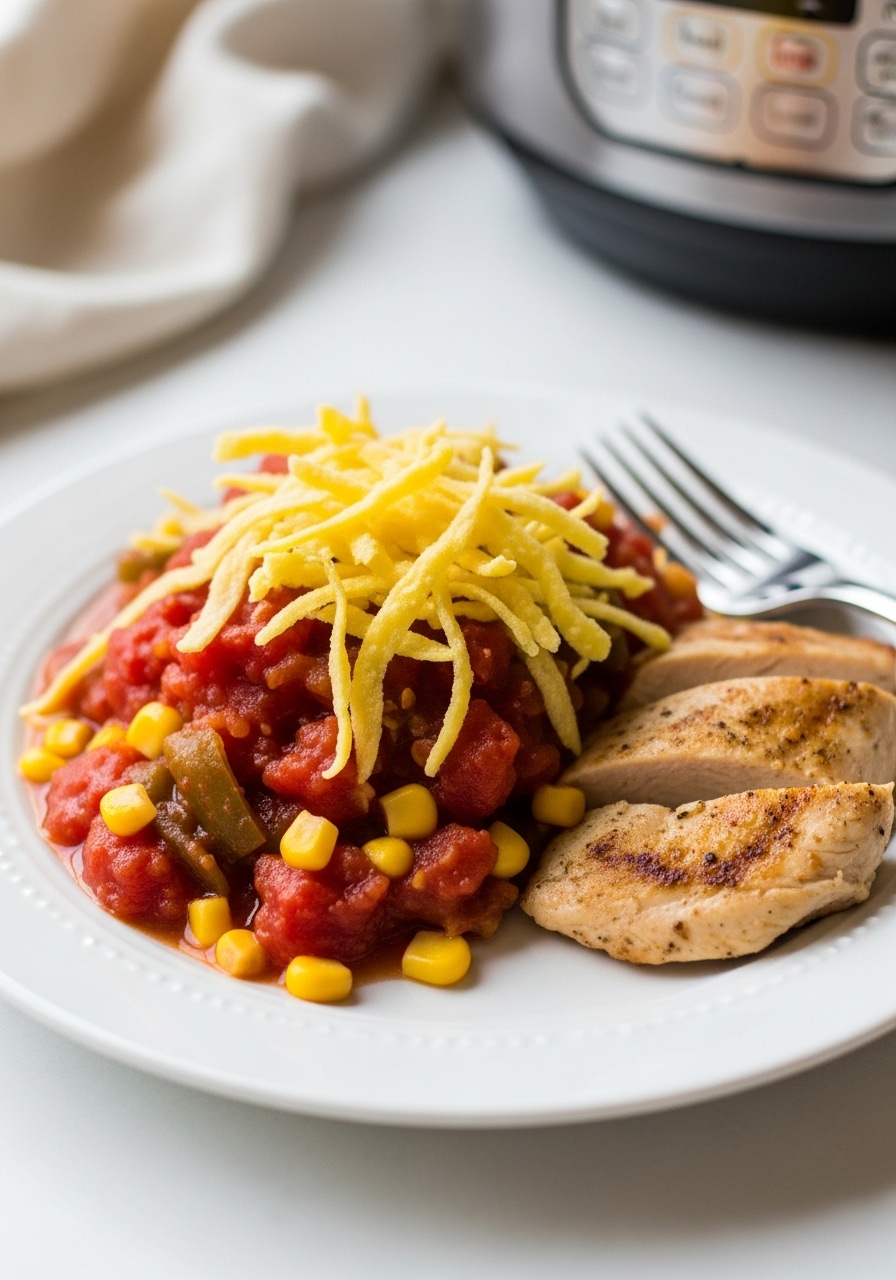
Instant Pot Chicken Taco Chili
This Instant Pot Chicken Taco Chili combines tender chicken, hearty beans, sweet corn, juicy tomatoes, and zesty taco seasoning, creating a deliciously satisfying and nutritious meal. Ready in just over 30 minutes, this simple chili is an ideal choice for those hectic weeknight dinners!
Get the Calorie Master app
Download on the App Store for the best experience.
Ingredients
- olive oil spray
- 1 8-oz can tomato sauce
- 10 oz package frozen corn kernels
- 2 10 oz cans diced tomatoes w/chilies
- 24 oz boneless skinless chicken breasts
- 4 ounce can chopped green chili peppers
- 1/4 cup chopped fresh cilantro
- 1 packet reduced sodium taco seasoning or homemade
- 1 1/2 tablespoons cumin
- 1 1/2 tablespoons chili powder
- 1/4 teaspoon garlic powder
- 1/4 teaspoon onion powder
- 1/4 teaspoon dried oregano
- 1/2 teaspoon paprika
- 1 teaspoon kosher salt
- 1/2 teaspoon black pepper
- 1 small onion
- 1 15.5 oz can black beans
- 1 15.5 oz can kidney beans
Instructions
- 1
Select the sauté function and lightly coat the inner pot with cooking spray. Add the chopped onion, stirring frequently until it becomes tender and turns a lovely golden color, which should take approximately 4 to 5 minutes.
- 2
Hit cancel to stop the sauté mode and pour in 1/4 cup of water to deglaze the bottom of the pot, scraping up any browned bits.
- 3
Introduce the chicken pieces into the pot and generously season both sides with half of the taco seasoning.
- 4
Next, incorporate the beans, corn, and green chilies, followed by the diced tomatoes and tomato sauce to complete the mixture.
- 5
Pour in an additional 1/2 cup of water along with the remaining taco seasoning, then gently stir the ingredients without disturbing the chicken.
- 6
Secure the lid and set the pot to cook on high pressure for 25 minutes. Once the cooking time is up, allow for a natural release of pressure. Carefully take out the chicken and shred it using two forks. Mix the shredded chicken back into the chili.
- 7
Garnish with fresh cilantro before serving. This recipe yields approximately 11 cups.